 Modern Easy Build Steps
Home / Guides / Vehicle build plans, step by step
Vehicle build plans, step by step
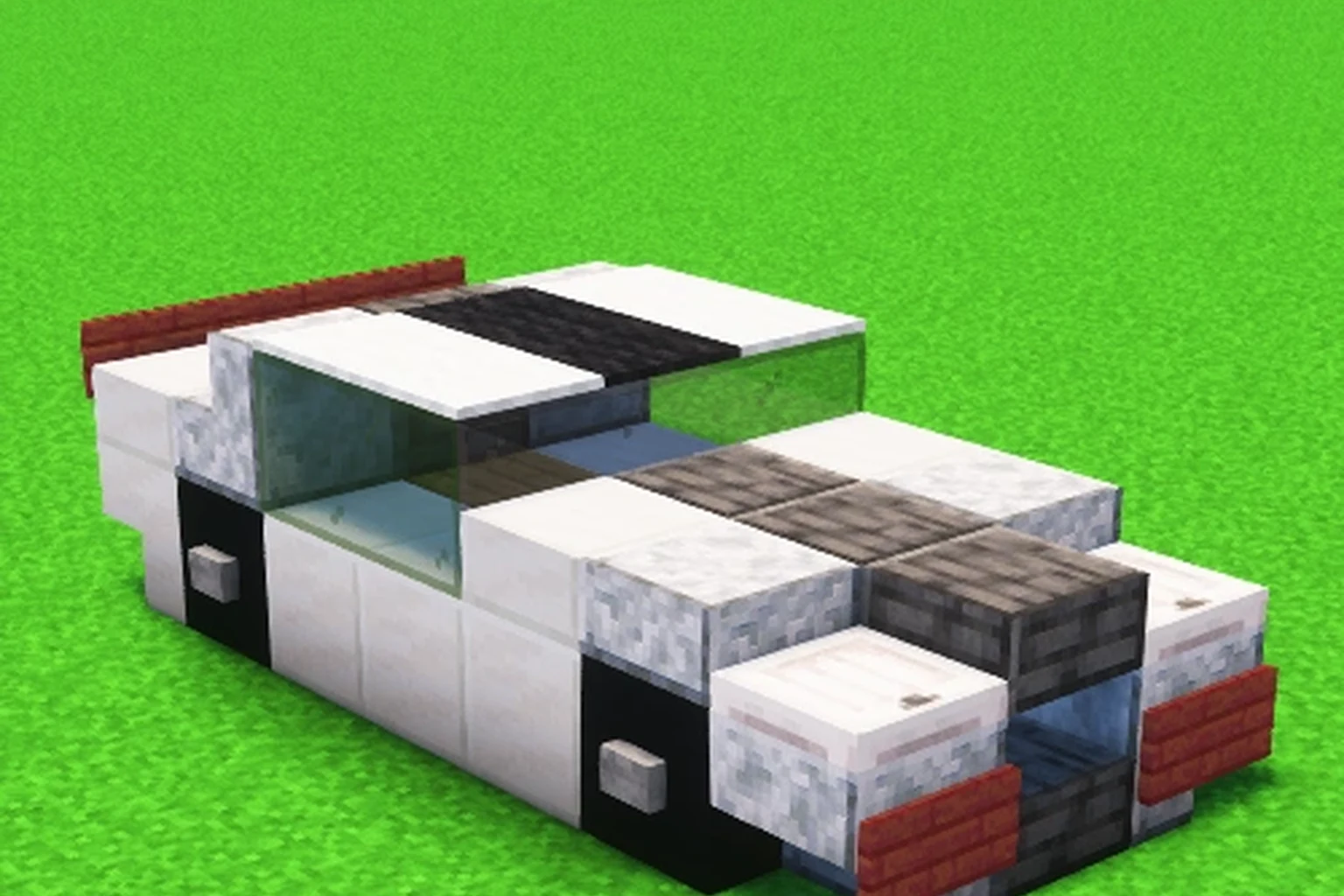
Vehicle plans sit lower to the ground than statues. Start with the chassis layers, then wheels, then the cabin. Modern Car is a short, readable example: white body, glass, and a clear front.
Walk a vehicle plan
- Open Vehicle (36 plans).
- Pick a car, boat, or aircraft cover.
- Read length on the size card so you leave a runway or road.
- Collect the material list.
- Walk layers from the undercarriage up.
What is in the Vehicle hall
Cars, jeeps, boats, ships, and aircraft. Mini vehicles sit next to larger planes. The walk does not change. Only the footprint does.
Aircraft plans are long. Check Length before you flatten a strip of land. A mini car can sit beside a starter house. A jet cannot.
Keep symmetry
Most vehicle photos are three-quarter views of the whole slice. Mirror left and right as you place. If a wheel looks off, go Back one layer instead of patching from the cover.
FAQ
How many vehicle plans are there?
36 in the Vehicle hall.
Can I pin a car next to a house plan?
Yes. Pin both. They appear together on the Pinned tab.