 Modern Easy Build Steps
1
Pick a hall
House 121, Statue 82, Vehicle 36, Beacon 13, Redstone 12. Open a cover.
Modern Easy Build Steps
Follow easy house, statue, vehicle, beacon, and redstone plans with layer photos and a material list. One-time unlock on iPhone.
Lifetime Access is $4.99 once. Not a subscription. The App Store listing is still in review.

1
House 121, Statue 82, Vehicle 36, Beacon 13, Redstone 12. Open a cover.
2
The plan page lists width, height, length, stars, and every block with a count and icon.
3
Each photo is one slice. Place it, mark complete if you want, then Next. Pin keeps the plan on the Pinned tab.

Walk a plan one layer at a time with the photo, the material strip, and Back / Next.

Gather counts from the plan page and the layer icon strip before you place the first block.

Pick a low-star House plan, check size and layers, then walk the photos.

Use the Statue hall the same way as houses: cover, size, materials, then layer photos.
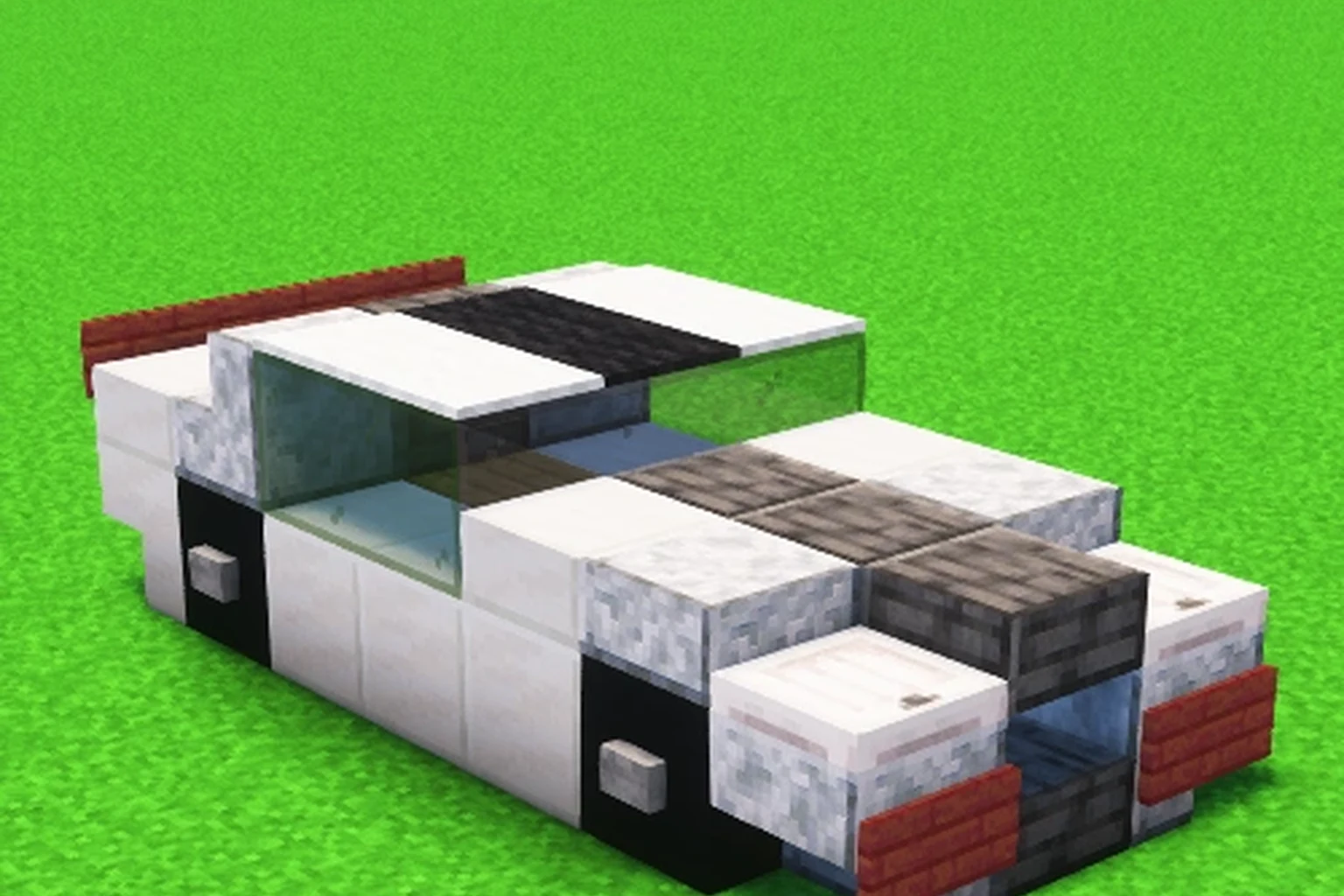
Build cars, boats, and aircraft from the Vehicle hall using layer photos and a material list.

Follow Beacon hall plans from the base and beam using layer photos.

Use the Redstone hall for compact machines with a material list and layer photos.
Open a plan, tap Walk the layers, match the photo, then tap Next. Each photo is one slice of the build.
The plan page lists every block, quantity, and icon for the whole build. The layer strip is only a reminder while you walk.
In the House hall (121 plans). Look for one star and a short layer count, then read the size card.
Yes. Statue is its own hall with 82 plans and the same layer walk as houses.
Yes. Vehicle has 36 plans: cars, boats, and aircraft, each with materials and layer photos.
Beacon has 13 plans. Walk the pad and tower first, then the beam layers.
12 compact machine plans. Gather the full list before you place, because wiring is easy to bury.
No. Lifetime Access is a one-time $4.99 purchase. It unlocks every hall and removes ads.
Five halls. Layer photos. Material lists. $4.99 once.
Coming to the App Store