 Modern Easy Build Steps
Home / Guides / Easy starter house build plans
Easy starter house build plans
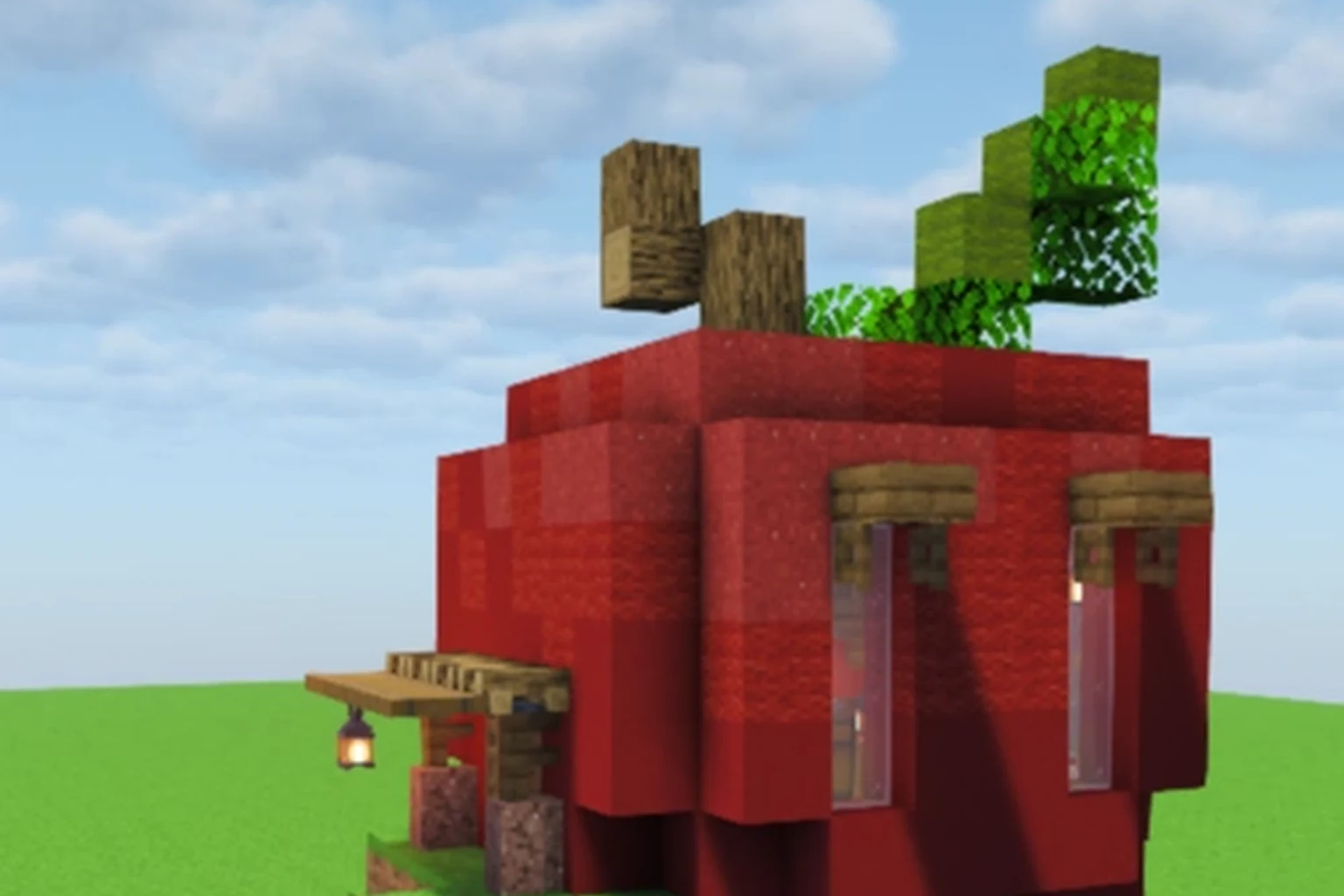
Start in the House hall. Sort with your eye for one star (Easy) and a short layer count. Apple Starter House is the kind of plan that teaches the walk without a huge footprint. Open it, read width × height × length, then Walk the layers.
Pick an easy house plan
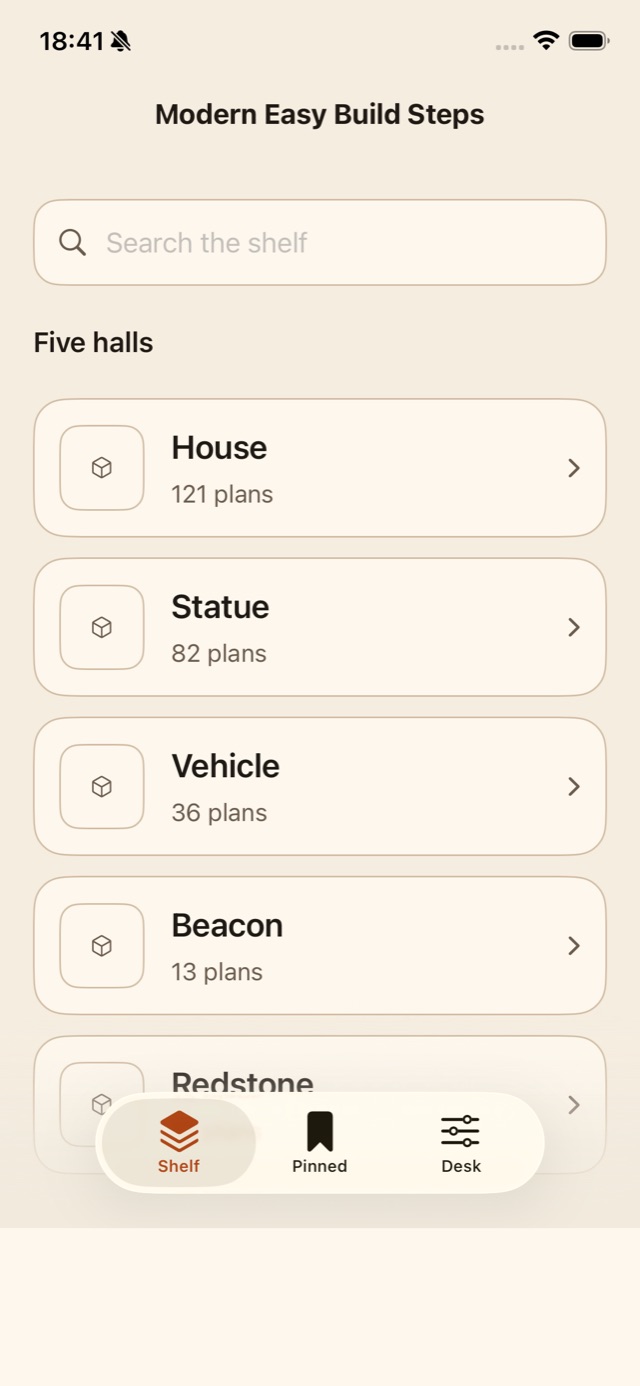
- Open Shelf and tap House (121 plans).
- Open a plan and read the stars. Easy is one filled star.
- Check layer count and the size card.
- Read materials once.
- Walk the layers and mark complete as you go.
How the House hall is laid out
Shelf is a two-column grid of covers. Each tile shows the plan name, layer count, and difficulty. A lock badge means you still need Lifetime Access for that plan.
Search on the main shelf looks across all five halls. If you only want houses, go into the House hall instead of searching the mixed grid.
Read size before you clear land
The size card lists Width, Height, and Length. A starter house that is about 11 × 13 × 10 needs a flat pad a bit larger than that. If your plot is tight, pick another Easy plan rather than scaling by eye.
Difficulty stars are 1 to 5. Easy is 1. Do not start on a five-star hall centerpiece if you have not walked a short house yet.
After the first house
Pin the starter so it stays on the Pinned tab. Then open Statue or Vehicle for a second shape. The walk is the same: photo, place, Next.
In the app
Get the app on iPhone
House, Statue, Vehicle, Beacon, and Redstone plans use the same layer walk.
ContinueFAQ
How many house plans are in the app?
121 in the House hall, including starter houses and larger modern bases.
What does Easy mean?
One filled star on the plan page. Combine that with a low layer count for a first build.